
WhatsApp Business API Booking Automation: A Practical Guide for Home Services
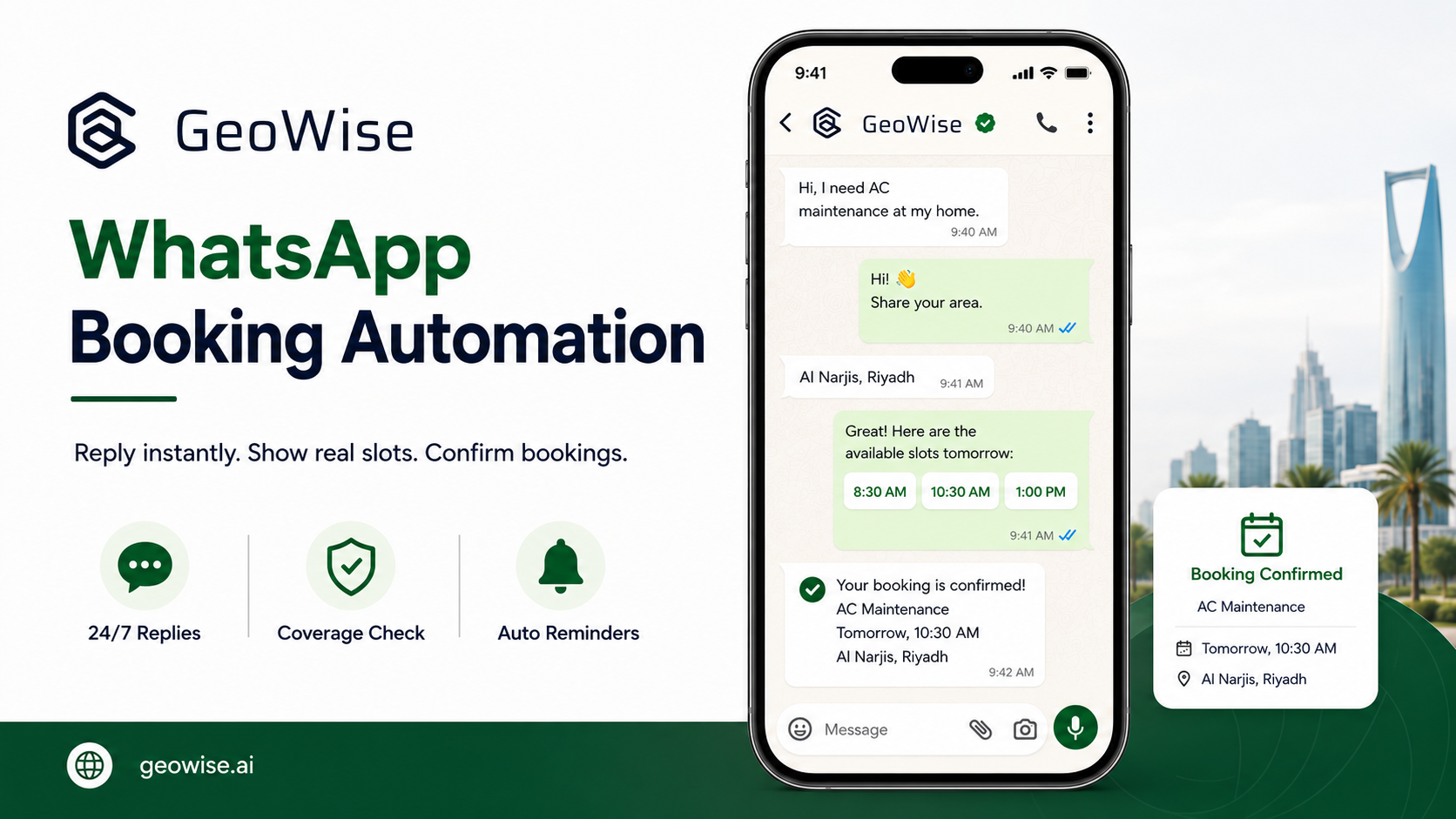
If you run a cleaning, AC maintenance, pest control, or plumbing company in Saudi Arabia or the GCC, you already know most of your bookings come through WhatsApp. Automating bookings on the WhatsApp Business API means your number replies to a customer instantly, asks the right questions, checks that their address falls inside your service zone, offers slots that are actually free, and confirms the appointment into your calendar, all without anyone picking up a phone. The difference between that and a "we'll get back to you" reply is the difference between a confirmed booking and a customer who went elsewhere. This guide covers what that actually involves.
What the WhatsApp Business API actually is
Most companies use the WhatsApp Business app, the one you download onto a phone like any other app. It is fine if you have one person answering, but it has limits. It runs on a single device, it has no real automation, and there is no proper way for several staff to work the same number in an organised way.
The WhatsApp Business API is a different thing. It is not an app you open; it is an interface that connects your company number to a system running in the background. What does it give you? Multiple agents working the same number, genuine automation that replies and acts without a person, official message templates approved by WhatsApp for reminders and confirmations, and a verified profile (the green badge) that tells customers this is really your business and not an impersonator. In short: the app is for manual replies, the API is for company-scale automation.
What "booking automation" concretely means
The word gets used so loosely it has lost its meaning, so let's be specific. Real booking automation runs through these steps:
- Instant reply: the customer messages, and a reply lands within seconds, whether it's 3 a.m. or the middle of a busy afternoon.
- Qualification questions: what service do you need? How many rooms, how many AC units, what kind of problem? The questions a good agent would ask.
- Coverage check: confirm the customer's address is inside the team's service zone. There is no point booking a job in a neighbourhood you don't reach.
- Real slot offers: not "when suits you?" but genuinely available times, based on the team's schedule and travel time between jobs.
- Confirmation: the customer picks a slot, and it lands in the calendar right away.
- Reminder: a reminder message before the appointment to cut no-shows.
Notice that every step ends in something concrete, and the last step ends in a confirmed slot. That is the measure that matters.
What it takes to get there (honestly)
Let's be straight: this is not a one-afternoon setup. It takes four things.
A dedicated number: the API needs a number of its own, and it can't be the same number already running the WhatsApp Business app on a staff member's phone. Usually you use a fresh number or migrate an existing one over to the API.
Business verification: you have to prove to WhatsApp that you're a real business to get approved templates and a verified profile. This is a process that takes time and paperwork.
A booking system that knows the team's real availability: this is the most important point and the most ignored. Automation that offers slots without knowing the team is already busy is worse than nothing. The system has to know each team's schedule, their locations, and travel time, so that the slots it offers are real.
Arabic and English handling: your customers write in dialect, in Arabizi, sometimes in English. The system has to understand both and reply naturally.
I'm not going to sell you the fantasy that this is a button you press. But if you have a WhatsApp number that gets messages every day, the setup above is what turns those messages into bookings instead of letting them slip away.
The most common failure: automating "we'll get back to you"
This is the most important part of the article. Most companies that "automate" WhatsApp actually just install an auto-reply: "Thanks for reaching out, we'll get back to you soon." That is not automation. It is a delay with extra steps. The customer is still waiting on a human, and you still need someone to pick up the conversation from scratch.
Real automation ends in a confirmed slot inside the same conversation, with no one stepping in. If your automated conversation ends with a promise to reply later, you haven't automated the booking, you've only automated the holding message. The test is simple: did the customer leave the conversation with an appointment on the calendar? If not, you're still working manually. For more on the difference between a WhatsApp AI agent and a traditional call center, read this comparison.
What changes once it works
Three things change, and all of them show up in revenue:
After-hours enquiries convert. Most customers message in the evening, after their own workday ends. If your reply comes the next morning, half of them have already booked elsewhere. An instant reply at any hour catches those requests while they're still warm.
No-shows drop. An automatic reminder before the appointment cuts the customers who forget or don't cancel, and every no-show means a team drove out and sat idle.
The team stops being a manual dispatch desk. Instead of someone glued to WhatsApp all day answering and coordinating times, the system does that, and the team focuses on delivering the service. For more ideas on turning WhatsApp messages into bookings, see this guide.
Who this is not for
Let me be clear: if your company doesn't yet have inbound message volume on WhatsApp, automation is not your answer right now. These systems convert enquiries you already receive into bookings; they don't generate new demand. If nobody is messaging you in the first place, your problem is marketing and lead generation, not reply automation. Booking automation delivers its strongest result when you have more messages coming in than your team can keep up with.
GeoWise is built for exactly this: it runs on your company's own WhatsApp number, replies instantly in Arabic and English, qualifies the request, checks the address against your service zones, offers real slots based on schedule and travel time, confirms the booking, and sends the reminders. If you have the demand and you're tired of watching it leak, try it on a free trial and see the difference.
Related Articles
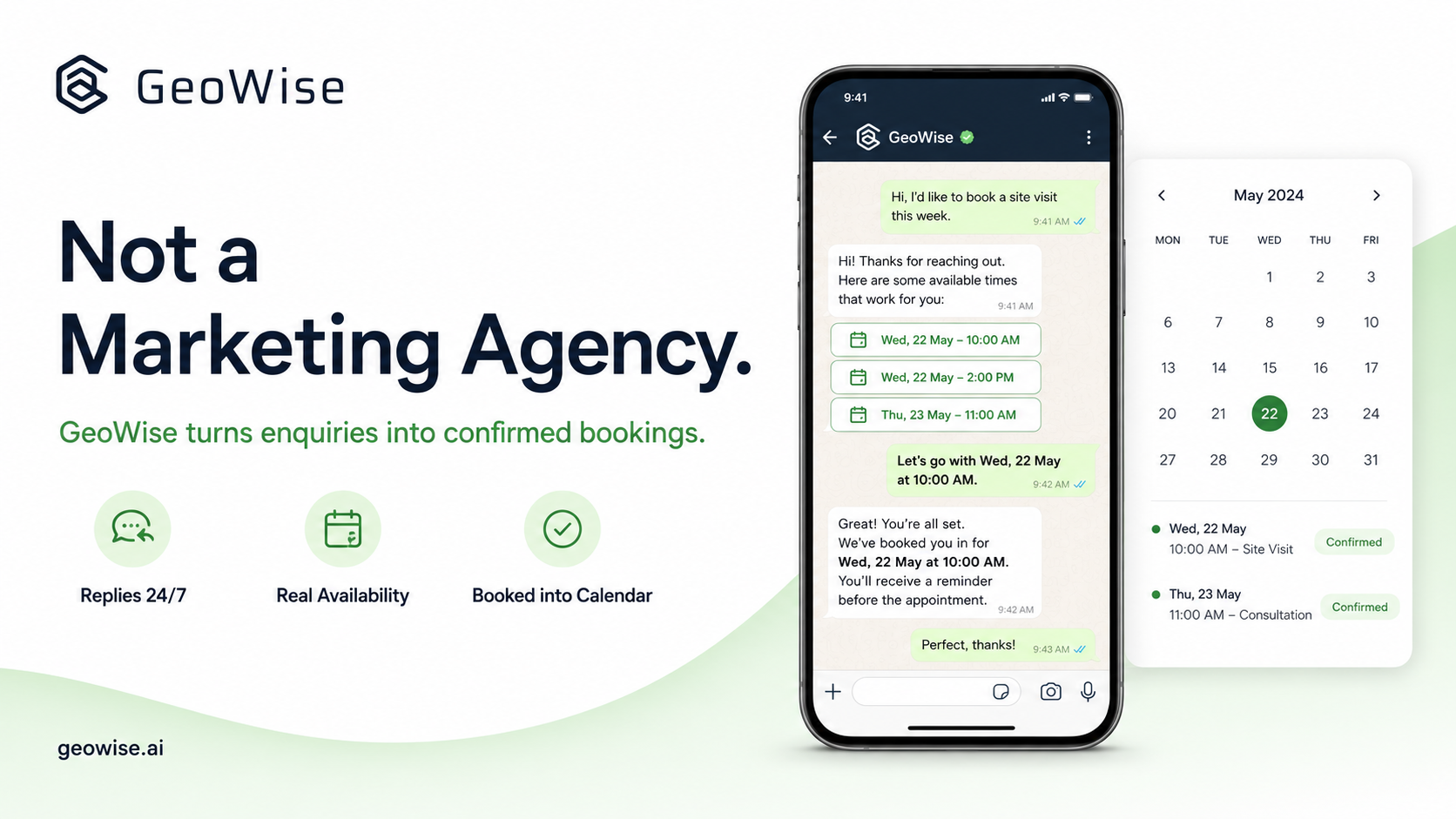
GeoWise Is Not a Marketing Agency: What It Actually Does
Discover what GeoWise actually does. It's not a marketing agency—it converts your WhatsApp enquiries into confirmed bookings, 24/7, in Arabic and English.
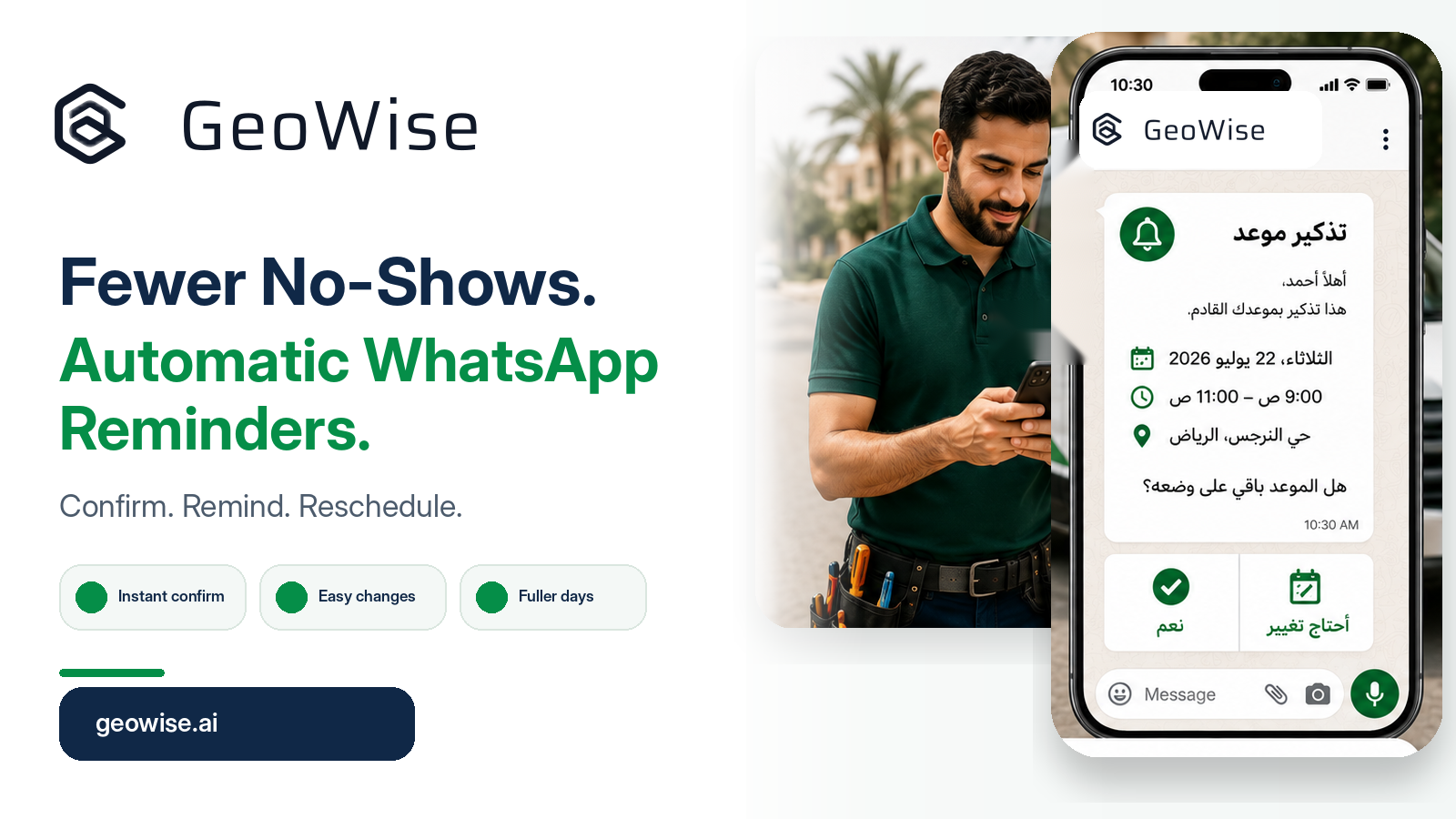
How WhatsApp Reminders Cut Appointment No-Shows for GCC Home-Service Businesses
Why home-service customers miss appointments in the GCC, and how automatic WhatsApp reminders plus dynamic scheduling keep your team's day full.
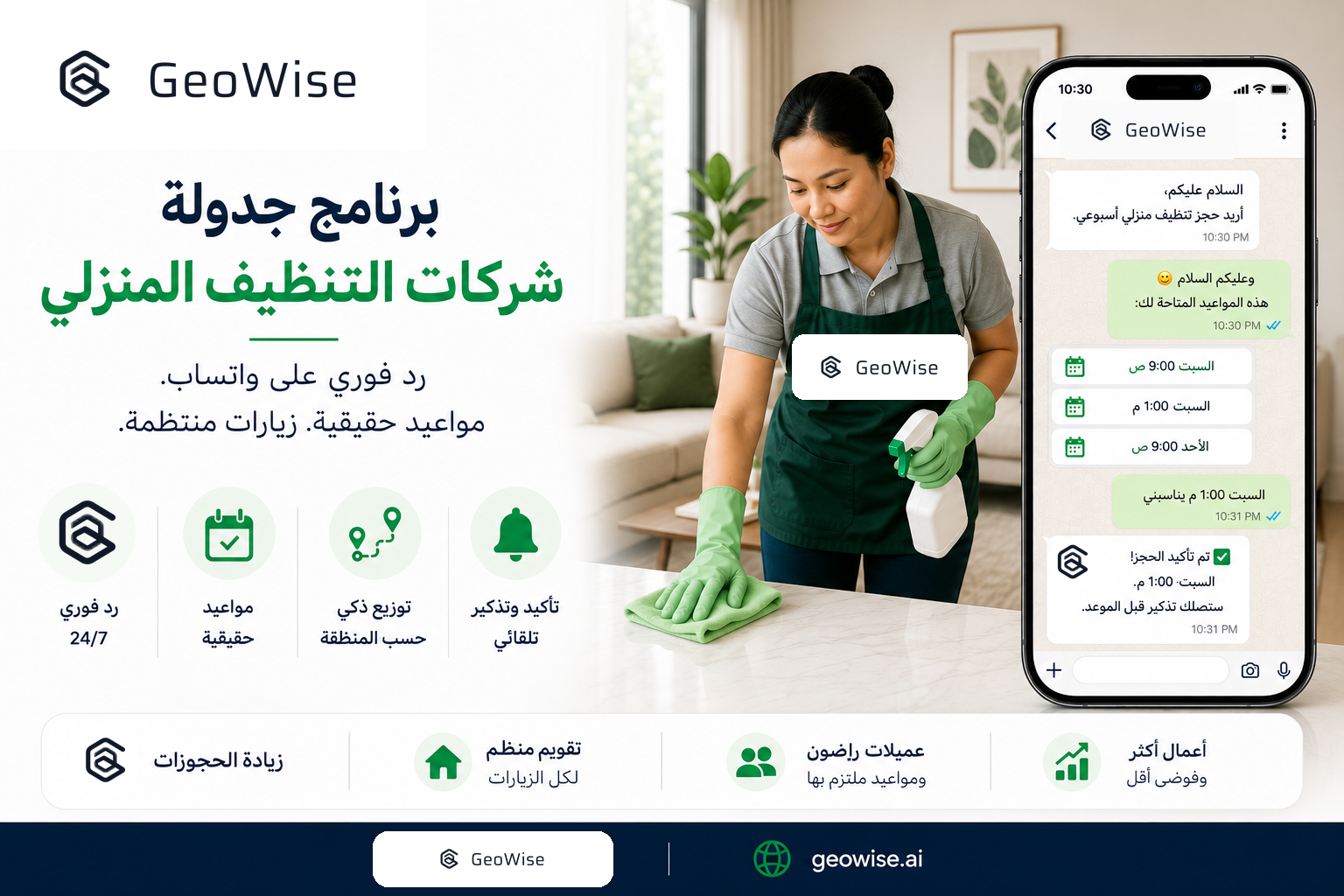
Maid Service Scheduling Software for Kuwait and Qatar: How a WhatsApp-First Booking Flow Fills the Calendar and Cuts No-Shows
Maid service scheduling software for Kuwait and Qatar: a WhatsApp-first booking flow that replies instantly, offers real slots, and cuts no-shows. Try it free.